The short answer is to use a Mobile Device Management tool (or MDM), and for 90% of use-cases that would be exactly the correct and only answer. But for a small and specific sub-set of situations an MDM might add complexity, overhead and cost that you could be better off avoiding.
What is an MDM?
As the name suggests, MDMs were originally created for the task of managing large numbers of mobile devices within corporate environments where requirements around security are generally stringent. Security and management of large fleets of laptops and desktop PCs was generally a ‘well solved problem’ before smartphones became commonplace from the mid-naughties onwards. The big hardware vendors quickly realised that they needed to provide the same features for their shiny new phone products or they would struggle to break through into the corporate world, and as such the concept of the MDM platform was born.
Simply, it is a management portal where you can onboard mobile devices such as smartphones or tablets (and VR headsets!) and then manage them in minute detail, organised in whatever way makes sense to your business, be it business units, physical locations or individual users. To be added (or enrolled) into the MDM a device is generally reset back to factory settings and then the MDM essentially inserts itself as a layer between the device OS (be it iOS or Android) and the user. Once the set up is complete the experience can vary from something very locked down (like a device locked to a specific wifi network in kiosk mode) right through to almost complete user freedom, all depending on the requirements of the corporate IT policy managing the MDM.
Using an MDM it is then possible to remotely install and uninstall apps, upload and remove files, restrict what networks the device can access, or what apps can be installed by the user. It’s also possible to remotely disable devices and also lock them into what we call ‘kiosk mode’ where the device can run only a small collection of apps and the user never sees the main device menu screen (or launcher).
MDMs and VR headsets
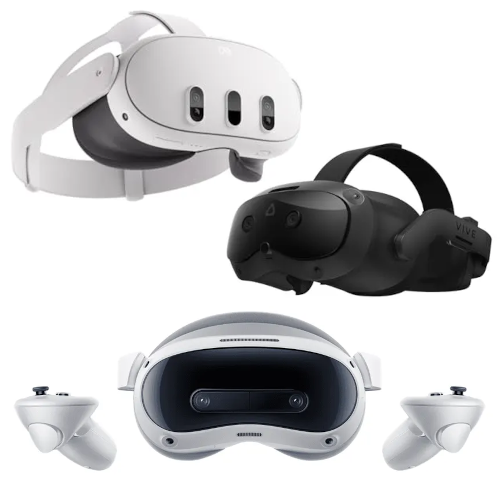
Most (all?) ‘stand-alone’ VR headsets use Google’s Android OS under the hood. This means that in many ways developing apps for these devices is not unlike developing for an Android Mobile phone or tablet. It also means that these devices inherit Android’s MDM capabilities and so there are a number of MDM products on the market (such as ArborXR and ManageXR) which can take advantage of this capability.
These services charge a monthly ‘per device’ fee which can vary depending on the tier that you’ve signed up for. You may also need to pay a fee to the hardware vendor (such as Meta’s onerous Horizons Managed Services subscription, recently discontinued) just to unlock the MDM capabilities on the headset before you can even use these services. This is all fine and well for a handful of headsets, but when you start getting into tens or hundreds of headsets the monthly costs can start spiralling into thousands of dollars.
Do I need an MDM?
For the vast majority of cases where you manage more than just a handful of VR headsets the answer is probably yes. MDMs allow you to push apps and configuration changes across entire fleets of devices at the push of a button massively simplifying admin and making updates trivial. If your devices are connected to the internet via wifi and you’ll be regularly pushing software updates to them, then an MDM makes by far the most sense.
But there are edge cases where MDMs start to make a little less sense. For example, if your headsets are constantly on the move from location to location and will rarely if ever be connected to the internet then the advantages of an MDM start to become less apparent. In that situation you may find you’re paying large amounts of money for a service you actually can’t use in practice. If you combine that with a situation where the app you intend to run won’t ever be updated, or will only be updated relatively infrequently then an MDM definitely starts to make less sense.
But I need Kiosk mode!?
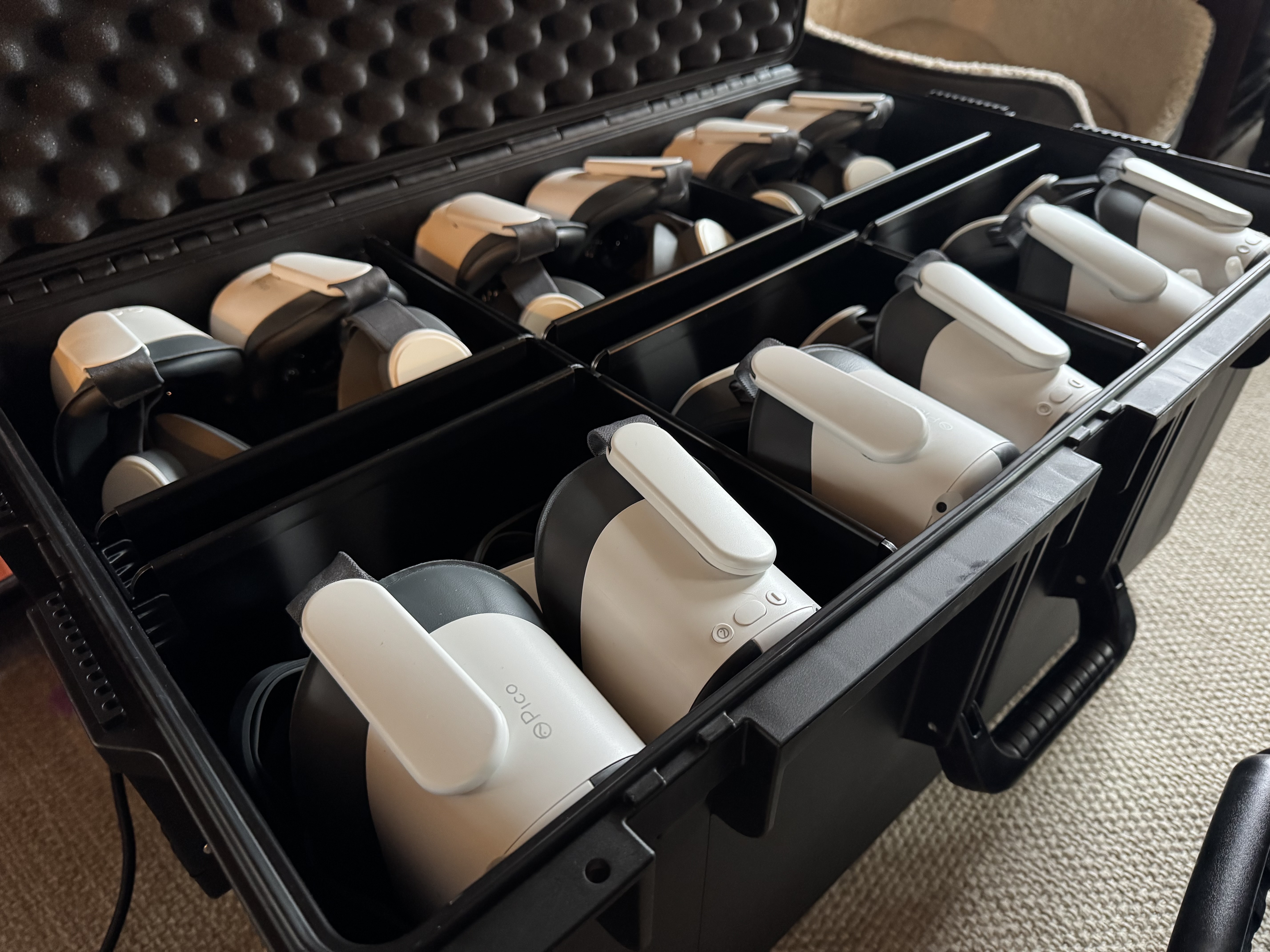
There are some hardware vendors (most notably Pico XR) who provide a sort of ‘soft’ kiosk mode without requiring an MDM to be installed. The way this works is via simple configuration files which can be put on the headset directly and effectively lock the headset down. Pico also allows their enterprise devices to change the ‘home screen’ to whatever app you like, effectively putting the device in a sort of simple kiosk mode. In 90% of cases this is sufficient for most needs and avoids the MDM tax. It’s worth noting that Pico is now promoting the use of the own MDM so this route may not be open for too much longer.
But how do you manage 100 devices without an MDM?
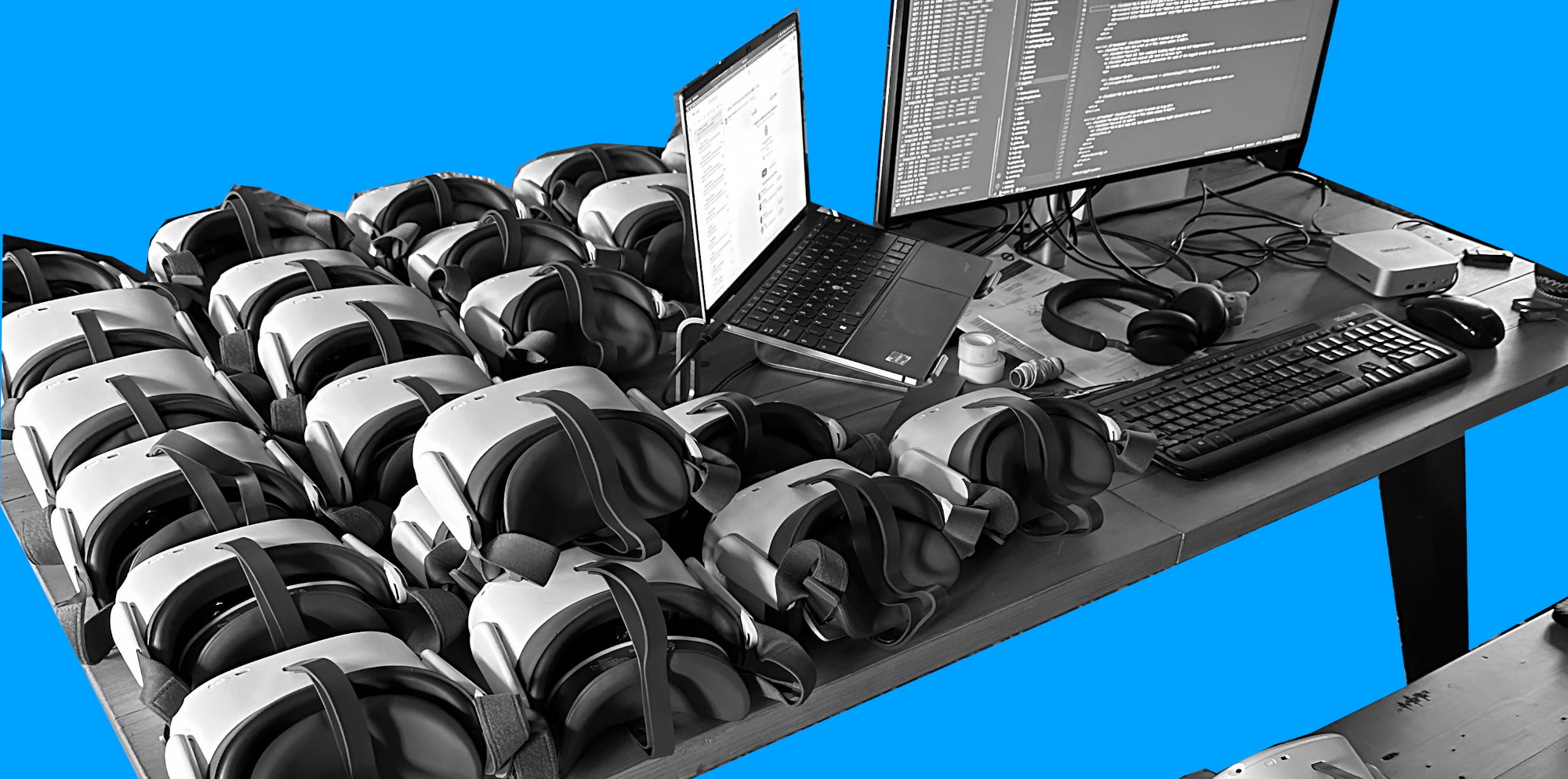
It’s not trivial and it does take some development expertise, but if the devices can be put in developer mode then they can be managed via other routes. It’s certainly possible to manage tens of devices in batches efficiently and quickly so long as you’re organised and know what you’re doing. For most people this isn’t the right answer and you should use an MDM, but there are a few cases where this actually does make more sense up to a point. Once you get much beyond 100 devices though, an MDM really is the answer and should be the route you pick.
The MDM tax
One thing to bear in mind when you’re purchasing your headsets is the extra associated cost of the MDM you’re probably going to need, and the fact that this will be a monthly ongoing cost for the time the device is enrolled with the MDM. If you’re planning for your devices to be in use for years then this could potentially get into thousands of dollars just for one device, you would then need to scale that cost to the number of devices you’re likely to deploy. This additional cost may very well take your project or initiative into the realms of being unaffordable, and this is the reason it’s important to consider if an MDM is really needed or if you can make do without.
Some headsets are more equal than others
As hinted at above, some headset vendors are easier to work with than others. Meta has always been traditionally very difficult to work with in a corporate or LBE setting, but their hardware is very good and very cost effective (at least for the initial purchase). Pico has gone the other way and generally gives developers and device owners a myriad of tools to help manage their devices without needing to jump through legal hoops and spend extra money in the process. Their headsets are well priced and durable, and their customer services teams are easy to reach and responsive. HTC is also much more open with their Focus headset which is basically built for LBE and high throughput use cases, but their hardware is expensive as a consequence.
To summarise
These days, managing fleets of VR headsets isn’t generally any more difficult than managing fleets of mobile phones or tablets. But given the generally narrow and specific use-cases and the higher purchase costs of these devices, you need to be careful to choose the correct hardware for your needs, and adopt the right management strategy so as not to end up paying much more than you actually need to.
Curious what this looks like in practice? Explore our VR case studies to discover how interactive experiences drive engagement and measurable results in education and training, or get in touch to discuss how to effectively deploy VR within your educational or training programmes.